
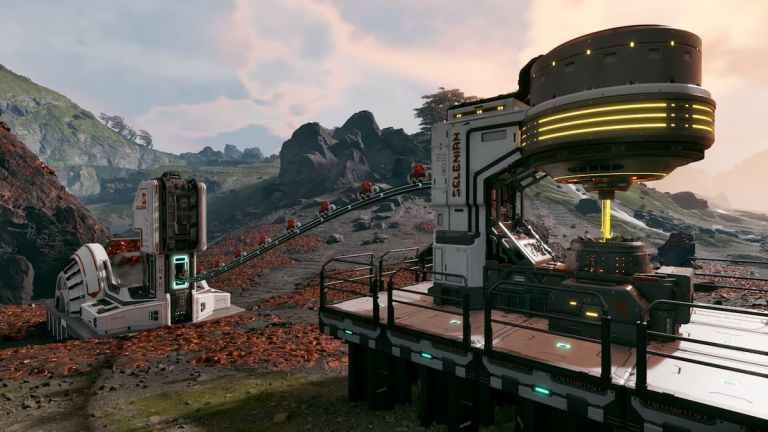
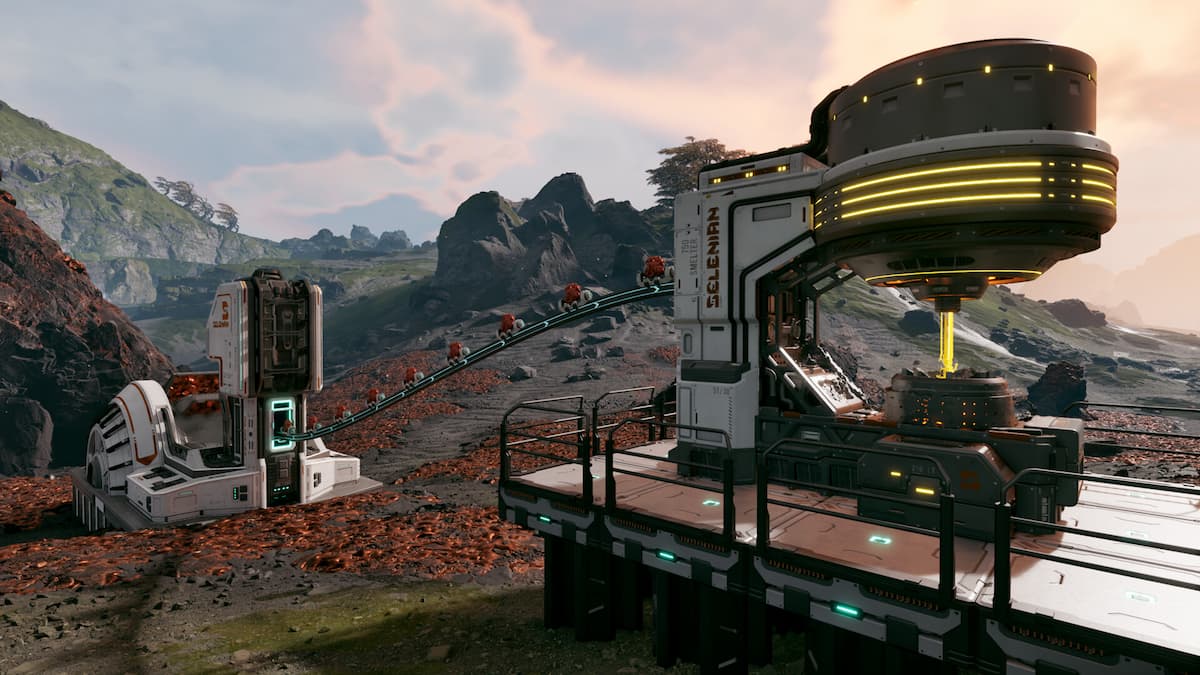
StarRupture, an early access PC title, combines open-world exploration with base-building elements. Currently, the game exclusively supports keyboard and mouse input, lacking controller compatibility.
For players seeking a guide to the default control scheme, a comprehensive list of StarRupture’s controls is provided below.
StarRupture Complete Controls
Move Forward W
Move Backward S
Move Left A
Move Right D
Sprint Left Shift
Crouch / Slide Left Ctrl
Jump Space Bar
Dash Left Alt
Cancel Q
Interact / Pick Up E
Open Inventory Tab
Ping Middle Mouse Button
Close Menu Q
Open Map M
Equip Building Tool B
Deconstruct F
Toggle Drone Status C
Set Z Offset Middle Mouse Button
Quick Building Selection Z
Confirm Build Left Mouse Button
Move Helper Up Mouse Wheel Up
Side Rotation R
Move Helper Down Mouse Wheel Down
Lock Placement Location T
Lock Placement Z Level Y
Align to Terrain X
Change Variant Right Mouse Button
Toggle Vertical Snap Left Alt
Fire Left Mouse Button
Equip Next Weapon Mouse Wheel Down
Reload R
Aiming Down Sights (ADS) Right Mouse Button
Equip Previous Weapon Mouse Wheel Up
Equip Med Tool H
Grenade G
Harvester 1
Equip First Weapon Slot 2
Equip Second Weapon Slot 3
Flashlight T
Holster / Unequip Q
Drone Up Space bar
Drone Down Left Ctrl
Drone Forward W
Drone Backward S
Drone Left A
Drone Right D
Can You Rebind Controls in StarRupture?
Players can fully customize keyboard and mouse controls within StarRupture. Access the Settings menu from either the main screen or during gameplay, then navigate to the Mouse & Keyboard tab. Here, individual actions can be reassigned to different keys.
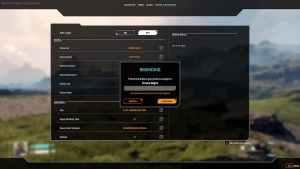
Additionally, the game allows for adjustments to other control-related settings:
- X and Y Axis Sensitivity
- Targeting Sensitivity
- Invert Vertical and Horizontal Axis
- Toggle Sprint, Crouch, and ADS
StarRupture Controller Support on PC
StarRupture on PC currently lacks native controller support. While player-created profiles via Steam Input can be utilized, the resulting experience is often suboptimal due to the game’s lack of inherent design for controller input.
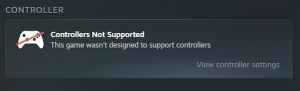
As an early access title, there is a strong possibility that future updates will introduce official controller support, given player demand. Beyond this, the game’s controls are generally responsive, and the option to remap keybinds is a beneficial feature.
