

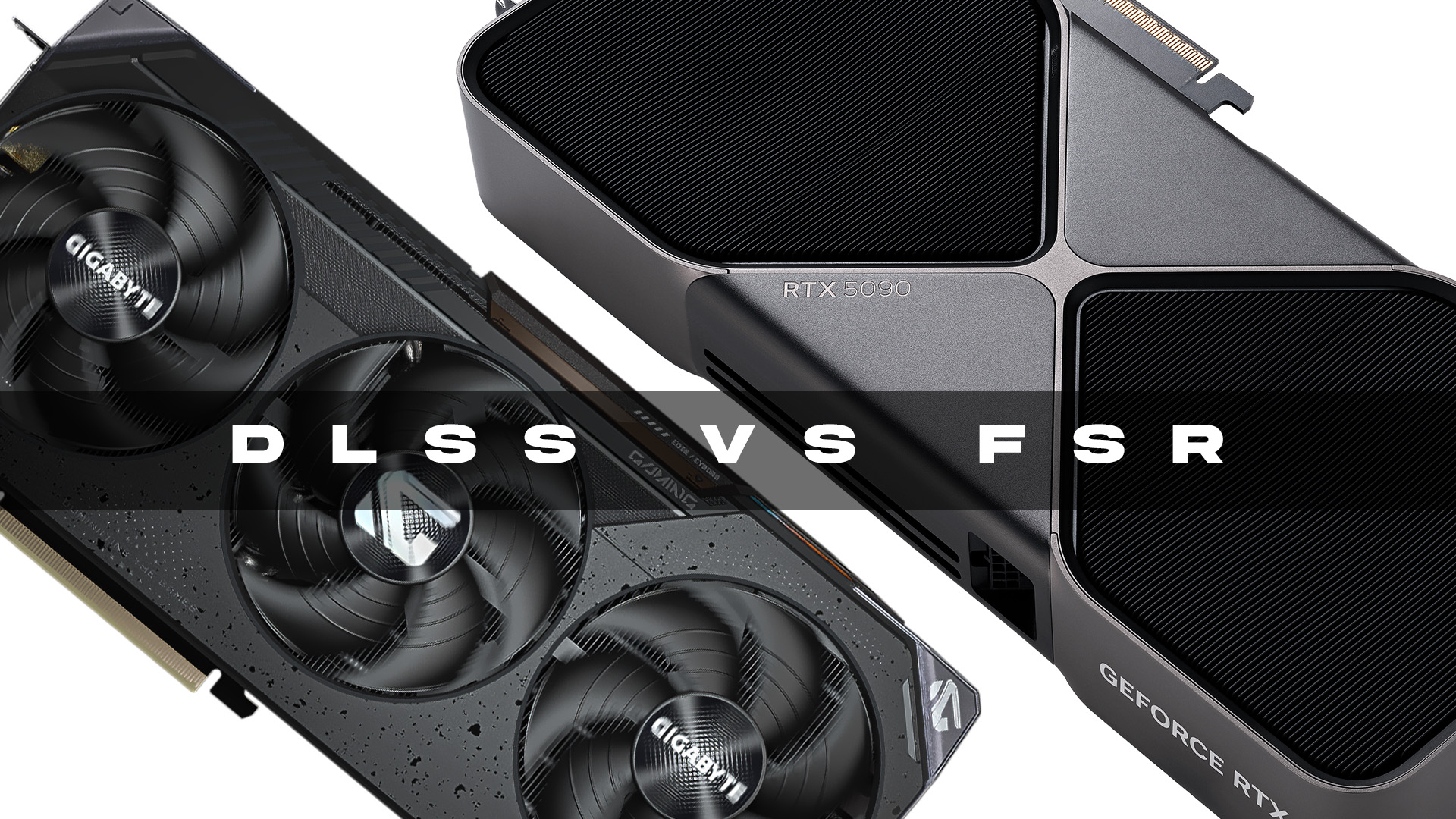
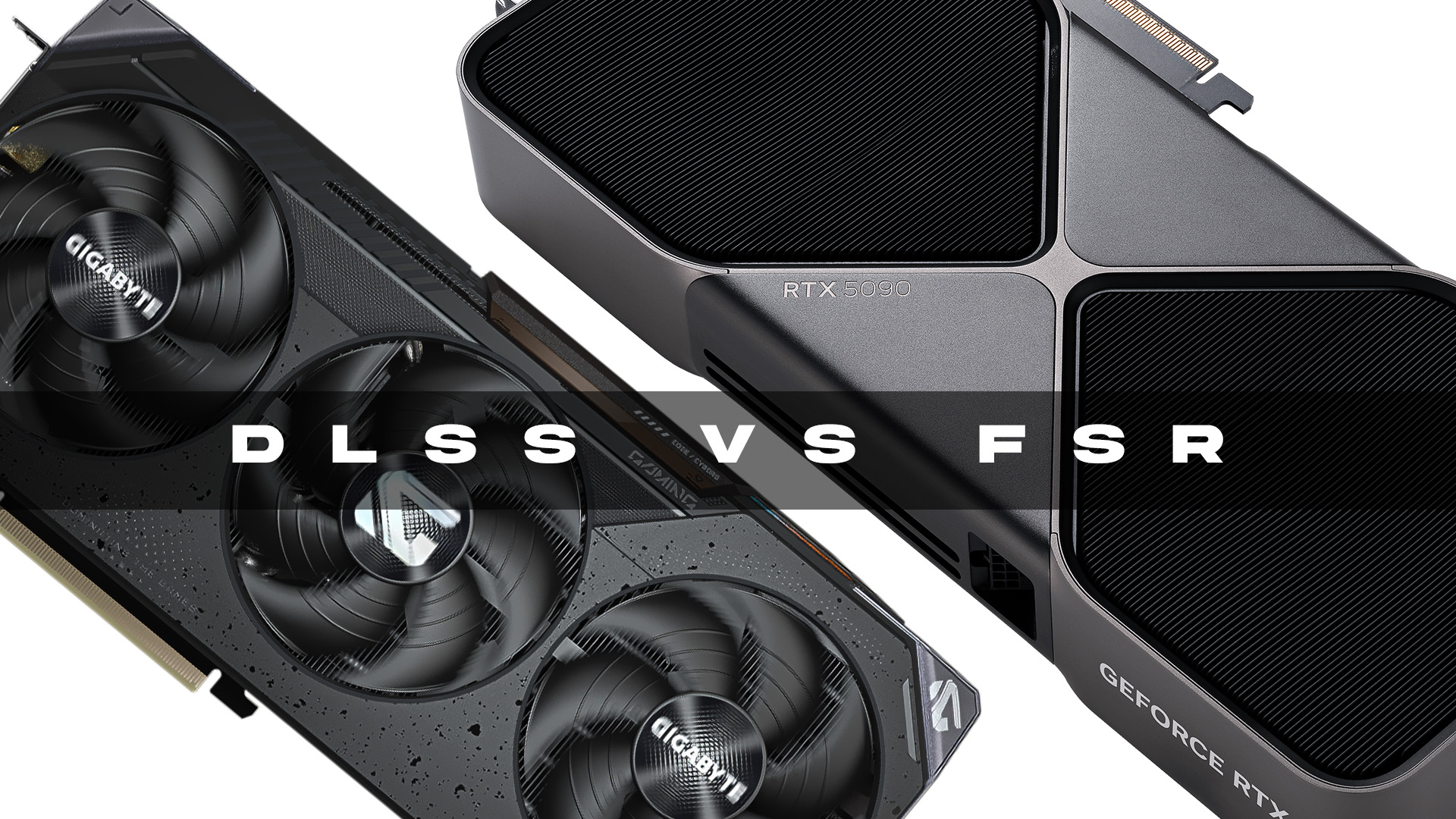
Achieving optimal performance in modern PC gaming while maintaining visual fidelity is crucial, especially with demanding games and high-resolution monitors. NVIDIA’s DLSS (Deep Learning Super Sampling) and AMD’s FSR (FidelityFX Super Resolution) are two prominent technologies addressing this challenge. This comparison will detail how each upscaling method functions and its implications for gamers aiming to increase frame rates.
What Is DLSS and How Does It Work?
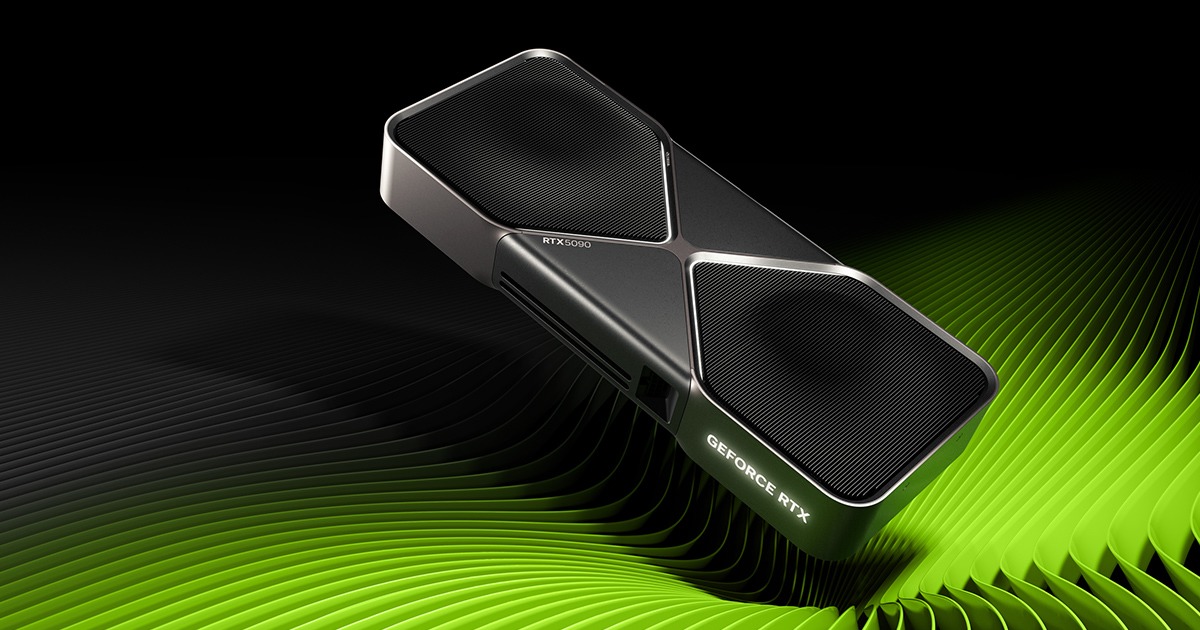
DLSS is NVIDIA’s exclusive AI-driven upscaling technology, compatible with GeForce RTX GPUs (20 series and newer). It utilizes Tensor Cores, which are dedicated AI processors within RTX GPUs, to reconstruct images in real-time using deep learning models trained on high-resolution data.
How DLSS improves performance:
-
Lower Internal Rendering Resolution: Games render frames at a reduced resolution (e.g., 1080p instead of 4K).
-
AI Upscaling: A neural network, trained on extensive high-resolution frame data, reconstructs the image to the desired higher resolution (e.g., 4K).
-
Temporal Feedback: DLSS incorporates information from prior frames, such as motion vectors and depth buffers, to minimize visual artifacts and enhance temporal stability.
DLSS 2.x brought a universal neural network, removing the need for individual game training and broadening its compatibility. DLSS 3 advanced this by introducing Frame Generation, which uses AI to create entirely new intermediate frames, boosting performance even when the CPU is a bottleneck.
What Is FSR and How Does It Work?
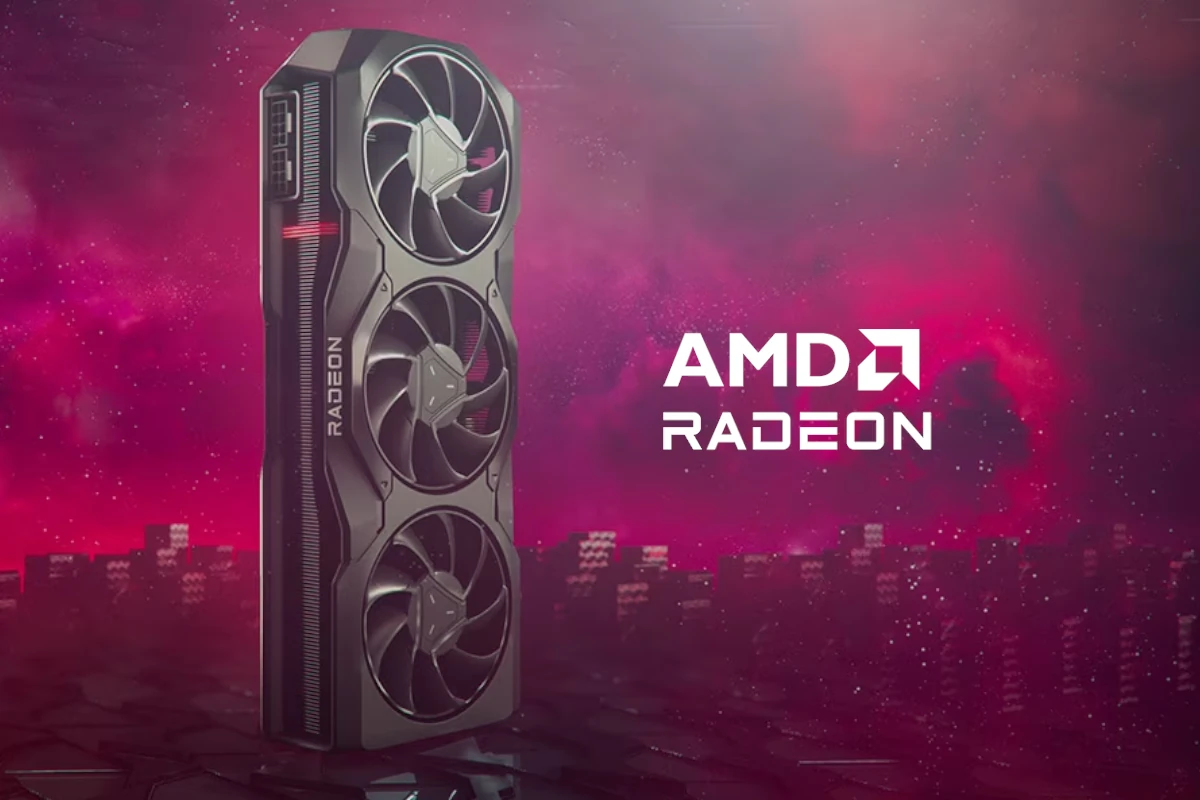
FSR, developed by AMD, employs a more open and hardware-independent strategy. It operates without requiring specialized AI hardware and is compatible with a broad spectrum of GPUs, including numerous older AMD and NVIDIA models.
FSR has evolved through several versions:
-
FSR 1.0: This spatial upscaler utilizes edge detection and contrast-aware sharpening to enlarge lower-resolution frames. While quick and simple to integrate, its lack of temporal data can result in aliasing and flickering.
-
FSR 2.x: This version incorporates a temporal upscaling pipeline, leveraging motion vectors, depth, and color buffers for enhanced image reconstruction. It reconstructs high-resolution images using data from previous frames, similar to DLSS, but without relying on machine learning.
-
FSR 3.x: This iteration introduces Frame Interpolation, akin to DLSS 3’s Frame Generation. It enables the GPU to create extra frames using motion vectors and other data. However, without AI acceleration, its performance and image quality can fluctuate based on scene complexity and motion.
- FSR 4: Exclusive to Radeon RX 9000 GPUs, FSR 4 employs an AI-accelerated upscaling algorithm. This version aims to deliver image quality enhancements over prior FSR iterations, competing with improvements seen in DLSS 4.
DLSS vs FSR: Key Differences
- Hardware Requirements: DLSS is exclusive to NVIDIA RTX GPUs, whereas FSR is compatible with most modern GPUs, though FSR 4 is limited to Radeon RX 9000.
- Upscaling Method: DLSS uses AI-based super resolution, while FSR employs spatial and temporal reconstruction techniques.
- Frame Generation: DLSS 4 includes AI-based Frame Generation. FSR 4 offers AI-accelerated Frame Generation.
- Image Quality: DLSS generally provides superior image quality due to its neural network. FSR delivers high quality, but its effectiveness can vary depending on the specific implementation.
- Game Support: Both technologies are widely supported in modern AAA titles, with FSR often being simpler to integrate for developers.
Conclusion
In the ongoing comparison between DLSS and FSR, NVIDIA’s DLSS often sets the benchmark for upscaling and frame generation, providing excellent image quality and performance, particularly with DLSS 4. Conversely, AMD’s FSR presents a more versatile and widely compatible option, supporting diverse hardware while still delivering significant performance improvements, especially with FSR 3 and 4.
