

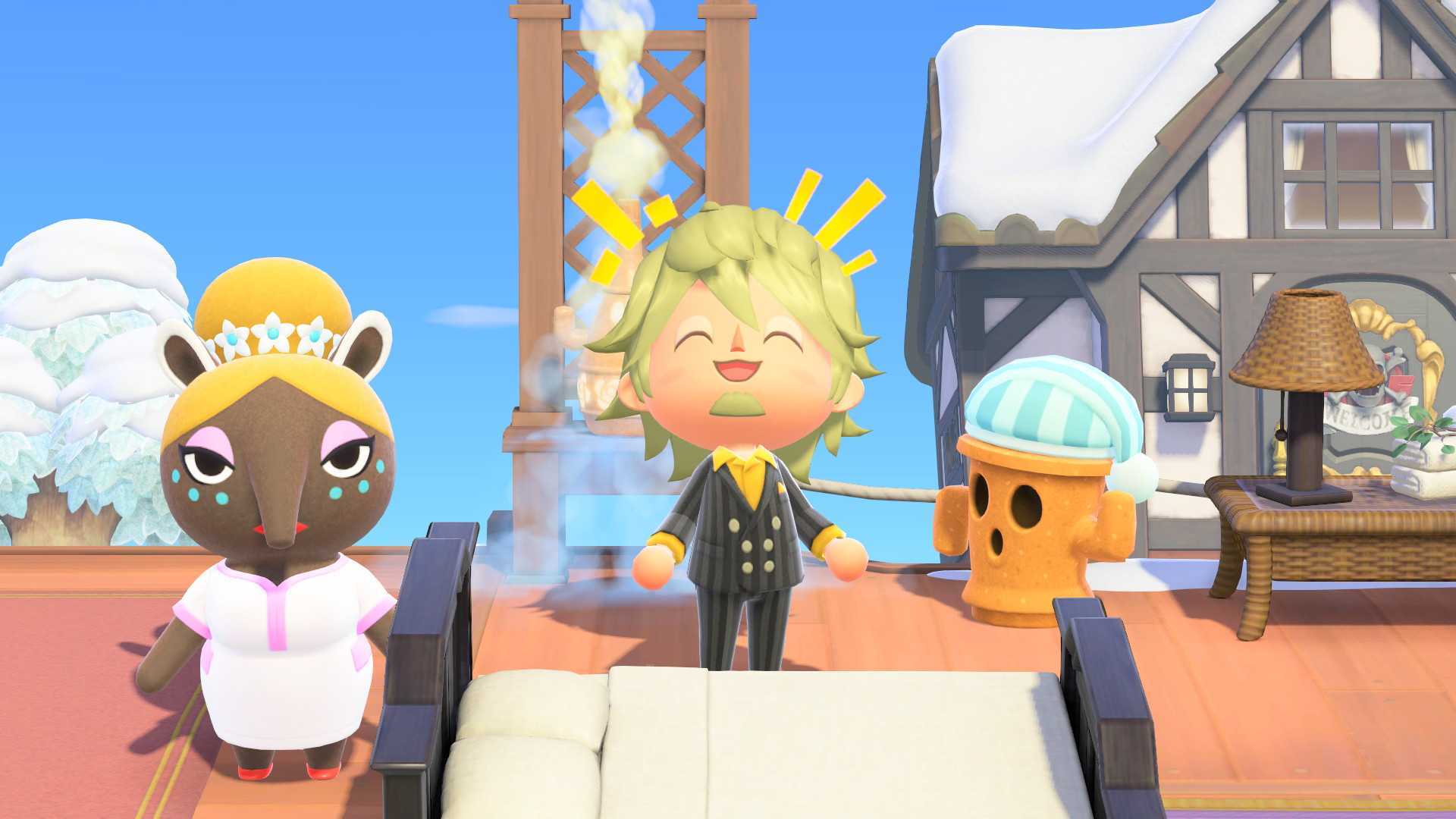

The 3.0 update for Animal Crossing: New Horizons introduced significant new features. Amidst the excitement for the new Resort Hotel and Zelda/Splatoon items, the equally important Slumber Islands may have been overlooked.
Luna’s islands received an upgrade, allowing players to save three Slumber Islands in various sizes. These islands can be customized with decorations, furniture, and terraforming, providing a space to create a dream island without altering a main island. The feature also duplicates a player’s house, enabling complete redesigns.
A key benefit of Slumber Islands is the ability to terraform and design outdoor spaces collaboratively with online friends. Details on setting up Slumber Islands, inviting friends, initiating terraforming, and other aspects are provided below.
How to access Slumber Islands – ACNH 3.0

Accessing Slumber Islands requires an internet connection. This means the feature is not available in offline scenarios, such as during a car trip without a stable connection.
To visit a Slumber Island, either alone or with friends, players must lie down in a bed inside their own house. Napping on outdoor beds or in a villager’s house will not activate the feature. Once in bed, selecting “It’s slumber time” will allow access to Luna and the Slumber Islands.
Exiting a Slumber Island involves lying down in the bed again.
How to make new Slumber Islands – ACNH 3.0

During the initial visit to Luna for Slumber Island design, she guides players through the creation process, including selecting a size and starting layout. Subsequent visits to Luna display saved Slumber Islands and offer new island save slots. Creating a new island is straightforward after the first visit.
How to visit Slumber Islands with friends – ACNH 3.0

While on a Slumber Island, speaking with Luna again presents the “Invite others” option. This allows players to invite friends to their dream island using methods similar to inviting visitors to a main island: inviting friends, inviting Best Friends, or generating a Doze Code (comparable to a Dodo Code) for sharing.
How to visit someone else’s Slumber Island – ACNH 3.0

To visit another player’s Slumber Island, enter a bed at home, speak with Luna, and she will offer the choice of visiting one’s own islands or another’s. Players can then select between visiting a friend’s island or utilizing a Doze Code.
How to terraform and design the Slumber Island – ACNH 3.0

On a Slumber Island, players operate in a creative mode. Tapping the + button equips the terraforming helmet, allowing landscape modifications. Holding L enables grid snapping for precise terraforming.

Slumber Islands enable the creation of unique scenarios with friends, utilizing any items at any time. Pressing left on the D-pad opens the Time/Weather menu, allowing adjustments to the time and weather. Pressing right on the D-pad displays a collection of furniture and clothing. If a player has owned a single piece of furniture in the main game, unlimited replicas of that item can be placed on their Slumber Island.
