


The RSVP feature, introduced in May 2025, enhances raid planning and scheduling in Pokémon Go, allowing trainers to invite friends from anywhere in the world.
This guide explains how to use the RSVP feature for raids in Pokémon Go and clarifies its functionality.
How to RSVP a Raid in Pokémon Go
Trainers can RSVP for a raid as soon as the Raid egg appears on the map.
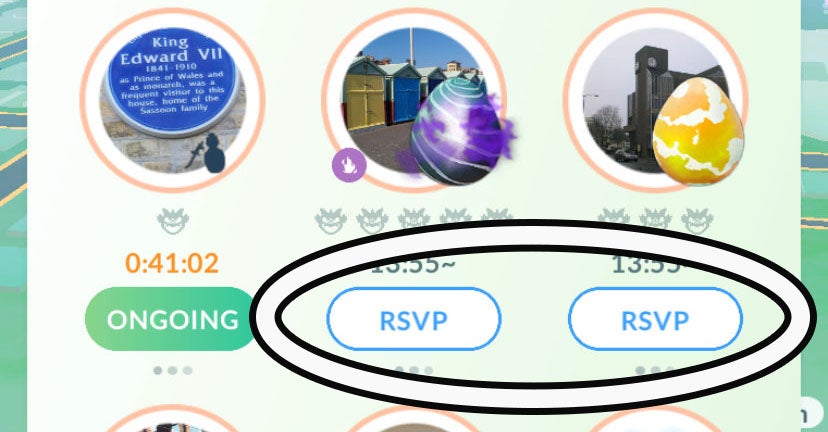
To begin, navigate to the Gym hosting the raid via the Raid tab on the Battle screen. RSVPing is not possible directly from the world map.
If an egg is present but has not yet hatched into a raid, a new RSVP button will be visible in blue text on a white background. Tapping this button initiates the RSVP process.
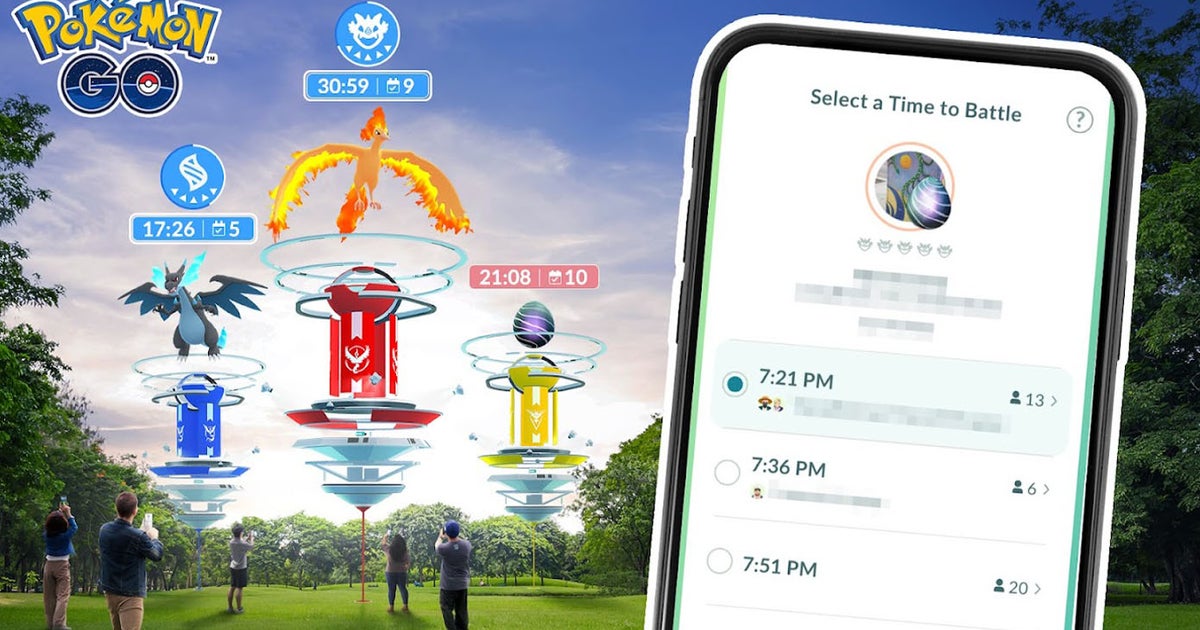
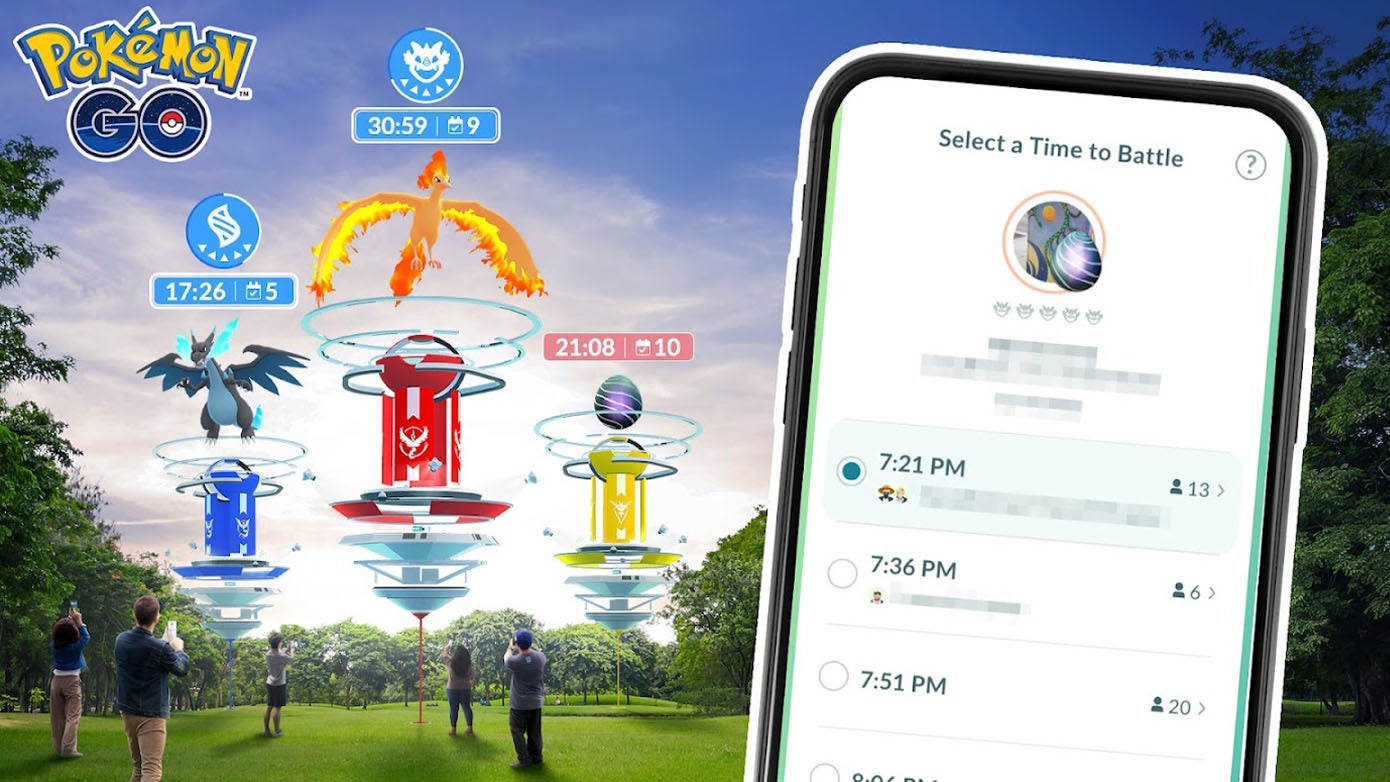
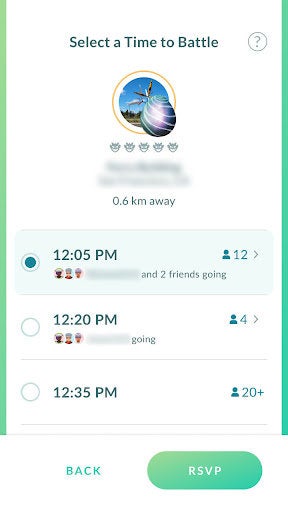
A new screen will appear, prompting trainers to select a time to battle. Several 15-minute time slots will be offered. If other trainers have already signed up, their icons or names might be displayed. Select the desired time slot to reserve a spot in the raid, then confirm by tapping RSVP.
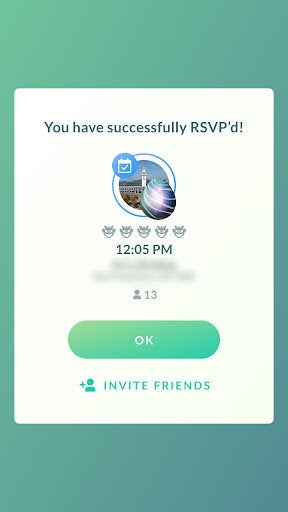
Upon successful RSVP, a confirmation screen appears. From here, trainers can tap “Invite Friends” to invite up to five other Trainers globally. This functionality extends to Shadow Raids as well.
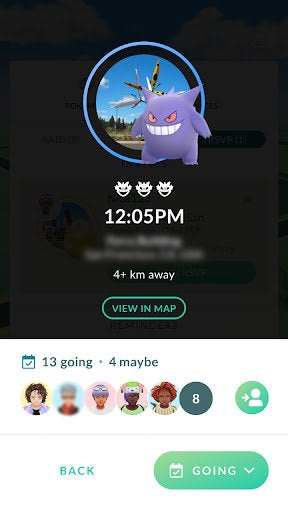
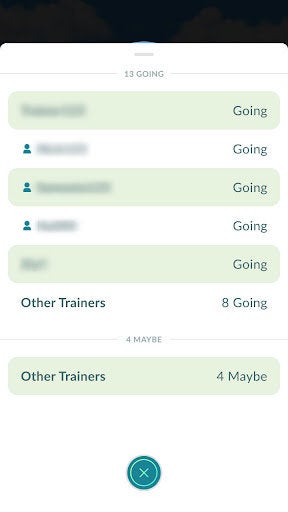
For those unsure about committing, a Maybe option is available. After RSVPing, if you access the raid from the RSVP tab of the Battle menu (where you are automatically directed), you can select “Maybe.” To cancel a reservation and its associated reminder, select “Not Going.”
The RSVP tab on the Battle screen provides information such as the remaining time until the raid, the number of participants, and the distance to the raid location. For directions, tap into the raid and select View in Map, which will open your phone’s default map application.
Even if a raid has already started, trainers can still RSVP. Access the raid, and a new blue icon will appear to the right of the standard pink Battle button (used for a Remote Raid).
After RSVPing, the game will provide a reminder before the raid commences.
What is Pokémon Go RSVP?
The RSVP feature is a valuable addition to Pokémon Go, designed to help trainers coordinate, schedule, and participate in raids.

While “RSVP” (répondez s’il vous plaît, meaning “please respond”) is the official name, the feature’s primary function is more akin to a Raid Planner or Raid Schedule, as it involves more than just responding to an invitation.
Essentially, RSVP simplifies raid organization by displaying available time slots as soon as a Raid egg appears. By tapping into the raid, trainers can see who has signed up for specific times, effectively reserving a slot in a raid.
A key benefit is the ability to see other participants, facilitating coordination with both local groups and distant friends. Trainers can also invite others to join, allowing them to RSVP in advance, which is an improvement over the previous Raid Invite system that sometimes led to missed opportunities.
Flexibility is another advantage; trainers are not locked into a chosen time slot. Reservations can be easily amended by accessing the RSVP pane within the battle screen.
The feature includes a color-coding system: a blue countdown timer indicates an RSVP has been made, while a red timer signifies that an RSVP is still possible. This helps trainers quickly identify their commitments on the map. For navigation, selecting an RSVP in the Battle screen reveals a View in Map button, providing directions via the phone’s default map app.
